Cards & Wallets · PaySuite payment page · Customising the payment page
Header images
You can display a custom header image on the PaySuite Payment Page and on Email Receipts.
Enabling header images
Contact us to have a header image configured on your installation.
The image must fit the following constraints:
| Description | Minimum | Maximum | |
|---|---|---|---|
| File Size | The size (in bytes) of the image data | 0 | 5242880 |
| Width | The width (in pixels) of the rendered image | 50 | 1000 |
| Height | The height (in pixels) of the rendered image | 50 | 400 |
The image must also be in a format listed below:
| Supported formats | JPG, PNG, GIF |
|---|
If your image meets all of the above criteria, send it to us and we’ll apply it for you.
Where they apply
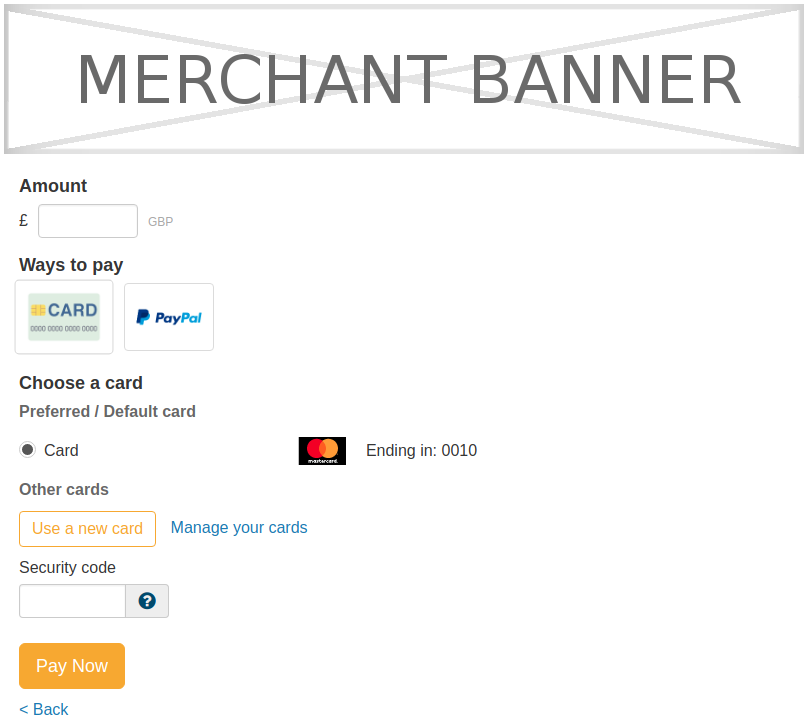
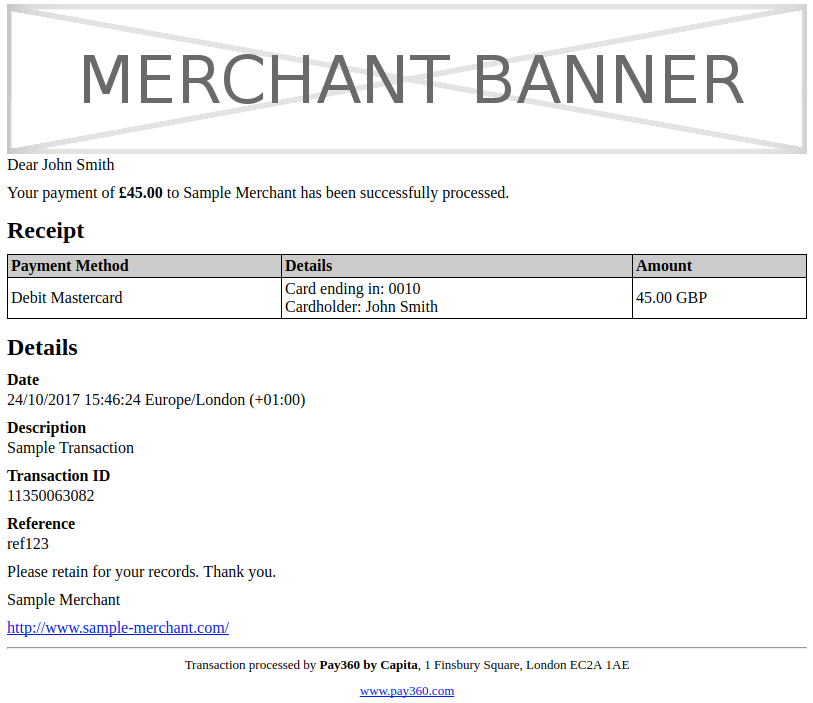
Header images are displayed on Email Receipts and the PaySuite Payment Page.
The header image is applied to the top of the email receipt.
See Email Receipts for how to use the feature.
The header image is applied to the top of the payment pages.
The header image does not come from the hosted skin. You can have a header image without using a custom skin. See What is skinning? for more details.