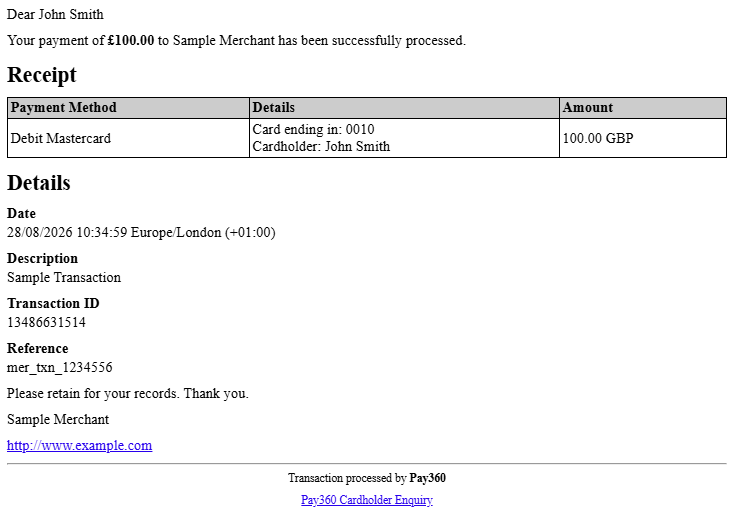
Email Receipts
You can send your customers an email receipt for their transaction; contact us to configure this on your installation, or request it on the API on a per-transaction basis — see Payment for information on how to make use of the latter.
Enabling email receipts
When using Your Payment Page
Set sendEmailReceipt in the transactionOptions of your payment request.
When using the PaySuite Payment Page
Set sendEmailReceipt in the features of your session initialisation request.
To have an email receipt sent for every transaction, contact us to configure email receipts to always be sent for your installation.
To receive a copy of the email receipt sent to the customer, contact us providing the email address you want the copy to be sent to. If you do not have a receipt email address configured on your installation, you will not be able to receive a merchant copy of the email.
Example email receipt